1
Snap or pick a photo
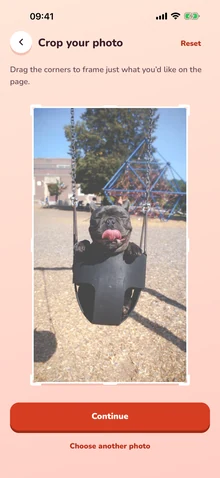
Take a new photo or choose one from your library, then crop it to the part you love.

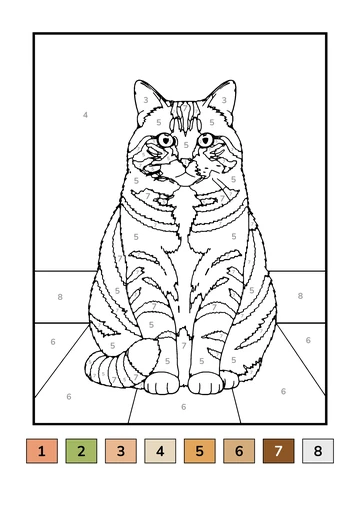
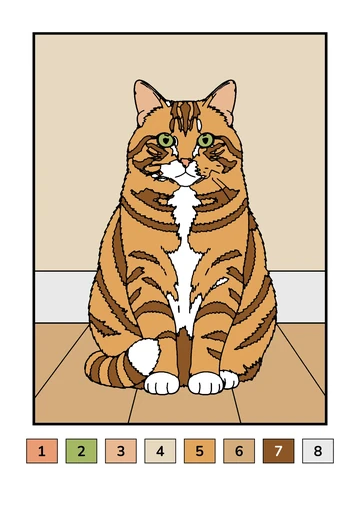
Outlineify is an iPhone and iPad app that turns your photo into a printable color-by-number page: black line art, numbered areas, a color key from your photo and a colored-in example.

Your page is ready in about a minute. You can leave the app while it works; a notification tells you when it is done.
Take a new photo or choose one from your library, then crop it to the part you love.
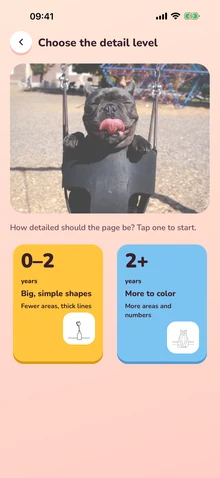
Pick how detailed the page should be for the little one who will color it.
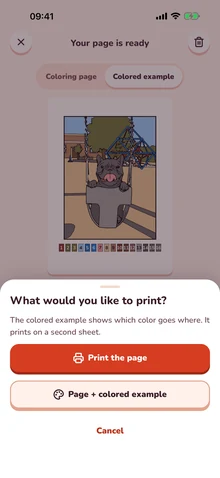
Print the page on A4 or US Letter, save a PDF or share it. Add the colored example as a second sheet if you like.
Every Outlineify page is a color-by-number page made from your own photo, sized for A4 or US Letter.
Choose the level for each photo: big, simple shapes for the youngest, or more areas and numbers for children who enjoy finding the right color.
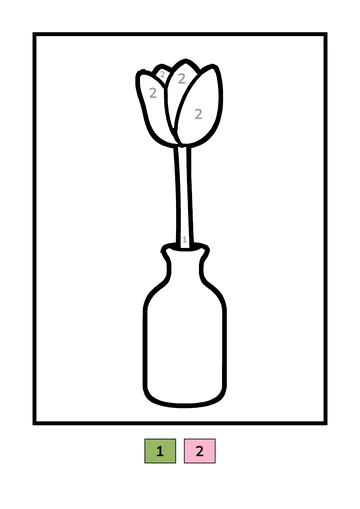
Fewer areas and thick lines that are easy to stay inside. A good first coloring page.
More areas and numbers, with the details of your photo kept in. Good for longer coloring sessions.
Every page here came straight out of the app. The numbered color key is built from the colors in each photo.

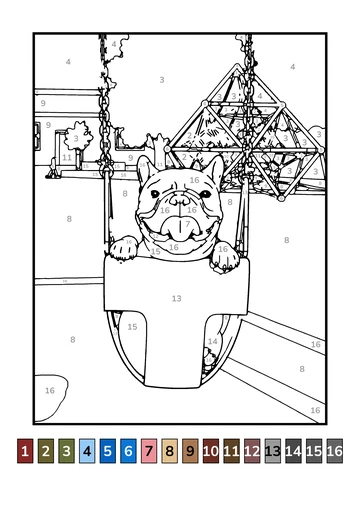
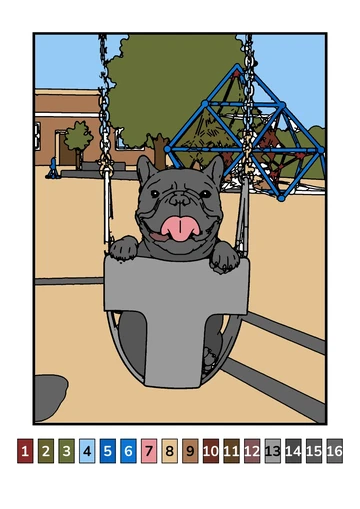

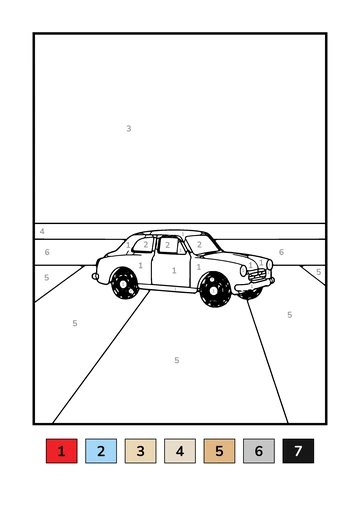
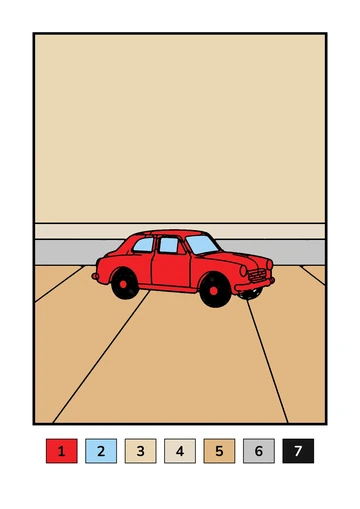

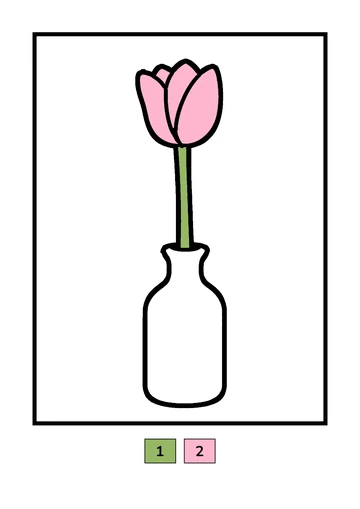

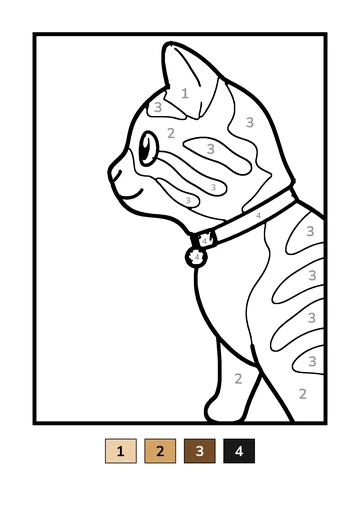
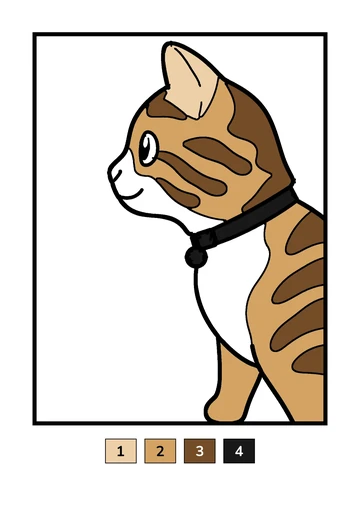
Photos with one clear subject, good light and a simple background give the cleanest pages.
Bold, clean lines that print well on a home printer, and a numbered key so everyone knows which color goes where.
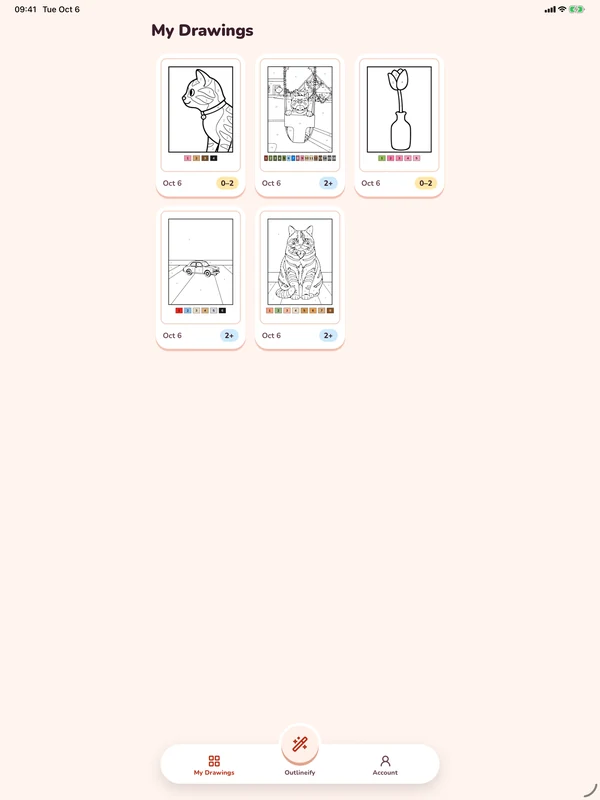
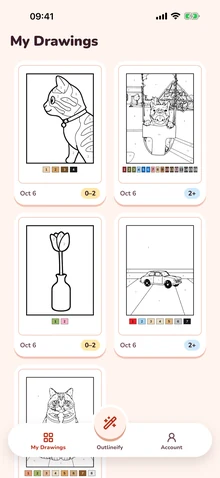
Every page you make waits in My Drawings, ready to print again. Sign in with Apple, if you like, to keep your drawings on your iPhone and iPad.
Your photo is used only to make your page, and it is deleted from our servers as soon as the page is done.
 Outlineify Pro
Pro lets you make coloring pages from your photos every week. Choose weekly or yearly billing; Apple handles the payment.
Making pages requires an Outlineify Pro subscription, billed weekly or yearly, with a fair weekly limit. It renews automatically until you cancel it in your Apple Account settings.
Outlineify is an iPhone and iPad app that turns your photo into a printable color-by-number coloring page. Each page has black line art, numbered areas and a color key, plus a colored-in example to follow.
Photos with one clear subject, good light and a simple background work best: a pet, a toy, a flower in a vase, a favorite mug. You can crop the photo to the part you love before the page is made.
About a minute. You can leave the app while it works, and a notification tells you when your page is ready.
0–2 makes big, simple shapes with fewer areas and thick lines. 2+ makes more areas and numbers to color. You pick the level for each photo, so one family can make both.
Yes. Every page fits both A4 and US Letter, and you can also save it as a PDF to print later. A color printer shows the color key best; in black and white, the numbers still guide each color.
Your photo is used only to make your page, and it is deleted from our servers as soon as the page is done. We never use your photos to train AI models. Your finished pages stay in My Drawings until you delete them.
Outlineify is for parents, grandparents and anyone who prints coloring pages for the family. You make the page in the app; the coloring happens on paper, together.
Yes. Making pages requires Outlineify Pro, billed weekly or yearly through your Apple Account. There is no free trial, and there are no ads.
Open Settings on your iPhone or iPad, tap your name, then Subscriptions, and choose Outlineify. Deleting the app or your account does not cancel the subscription.
Purchases are handled by Apple, so refunds are too. You can ask for one at reportaproblem.apple.com.
There is no sign-up form and no email. The app keeps your drawings with an anonymous account, and you can link Sign in with Apple to bring them to a new iPhone or iPad.
Outlineify runs on iPhone and iPad. The app is available in English, Turkish, German, Spanish, French, Dutch, Ukrainian, Japanese and Korean.
How to turn a photo into a coloring pagePick, crop and convert a photo in a few steps.Read the guide Color-by-number pages for toddlers and young childrenA guide for parents choosing the right level.Read the guide How to print coloring pages at homeA4 or US Letter, color or black and white.Read the guide Outlineify is for parents, grandparents and anyone who prints coloring pages for the family. You make the page in the app; the coloring happens on paper, together.
Outlineify is made by an independent developer in Türkiye. Questions, ideas or a page that did not turn out well? Write to agensgratu@gmail.com; we usually reply within two business days.
Print a page of the dog you walk every day or the flowers from the garden, then sit down and color it together.
Coming soon to theApp Store